How to Automate Gmail Replies With AI Without Coding

What You Will Build
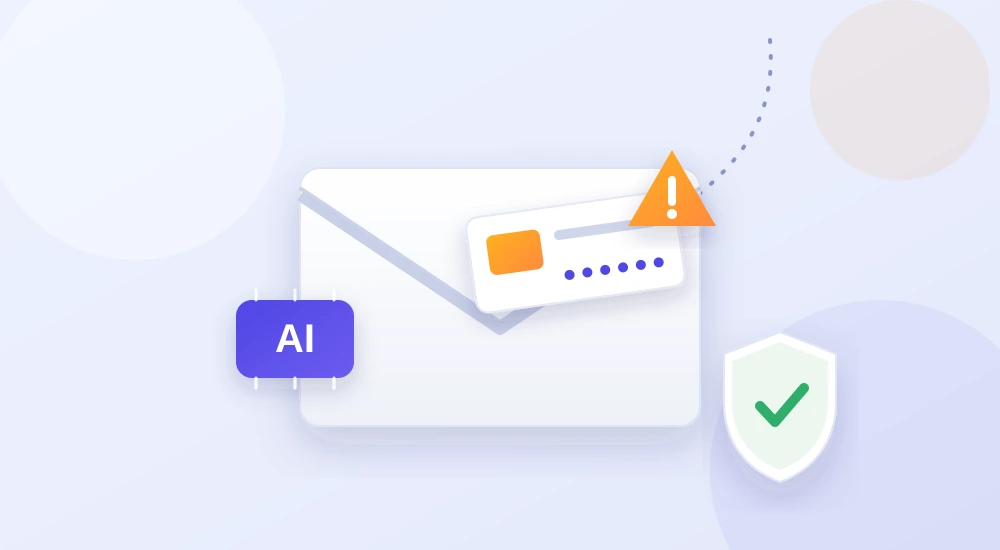
When a relevant email arrives, a no-code workflow collects its text, asks an AI tool for a suggested response, and saves a Gmail draft for your approval.
| Step | Tool | Purpose |
|---|---|---|
| Trigger | Gmail | Detect a new matching email |
| Processing | Zapier or Make | Pass approved information to AI |
| Draft | AI model + Gmail | Create a reply for review |
Step-by-Step Setup
1. Define which emails qualify
Start with a dedicated label such as Website Enquiries. Avoid processing every message in your inbox, especially personal, financial or confidential mail.
2. Connect Gmail to a no-code platform
In Zapier or Make, choose a Gmail trigger that detects a new message matching your chosen label or search condition. Available triggers depend on the integration and account plan.
3. Add an AI drafting action
Map the sender’s question into an AI step. Supply a short, accurate description of your services and the tone you want.
Example prompt: “Draft a polite reply to this enquiry using only the approved business information below. Keep it under 140 words. Do not invent prices, deadlines, availability or promises. If information is missing, ask a clarifying question.”
4. Save a draft, not an automatic reply
Connect the AI output to Gmail’s draft-creation action. Check recipient mapping carefully. For a true reply in an existing thread, verify that your chosen integration supports thread IDs; otherwise a draft may start a new conversation.
5. Test unusual cases
Try a normal enquiry, an empty message, a complaint, and a message requesting sensitive information. The workflow should fail safely or ask for human review.
When Should You Avoid Automatic Replies?
Do not let AI independently confirm refunds, legal positions, payment instructions, medical advice or contractual commitments. It can misunderstand context or create convincing but incorrect details.
Common Problems and Fixes
- Wrong tone: provide a short example of an acceptable reply.
- Made-up details: restrict the AI to approved facts.
- Duplicate drafts: add message-ID checks or deduplication.
- Privacy risk: minimise the message content sent to external tools.
Frequently Asked Questions
Can I automate Gmail replies for free?
Some services have limited free plans, but AI actions, task volume and Gmail integration features vary. Check current pricing before building a recurring workflow.
Will the reply sound human?
It can sound natural with clear instructions, but reviewing and personalising the draft is still important.
Final Thoughts
Begin with one category of repetitive enquiry. If AI reliably produces useful drafts and you remain in control of sending, you can expand the workflow gradually.
Official resource: Gmail Help.
About Global Insightly
Global Insightly publishes practical guides on AI tools, cybersecurity, software and technology. Explore more at GlobalInsightly.com.






Comments (0)