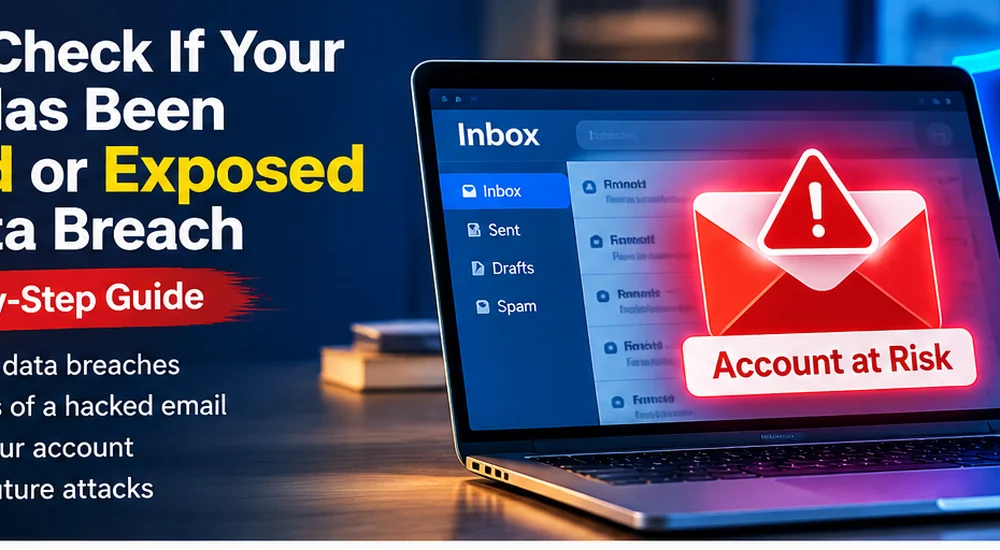
How to Check If Your Email Has Been Leaked in a Data Breach
What a Data Breach Actually Means for You
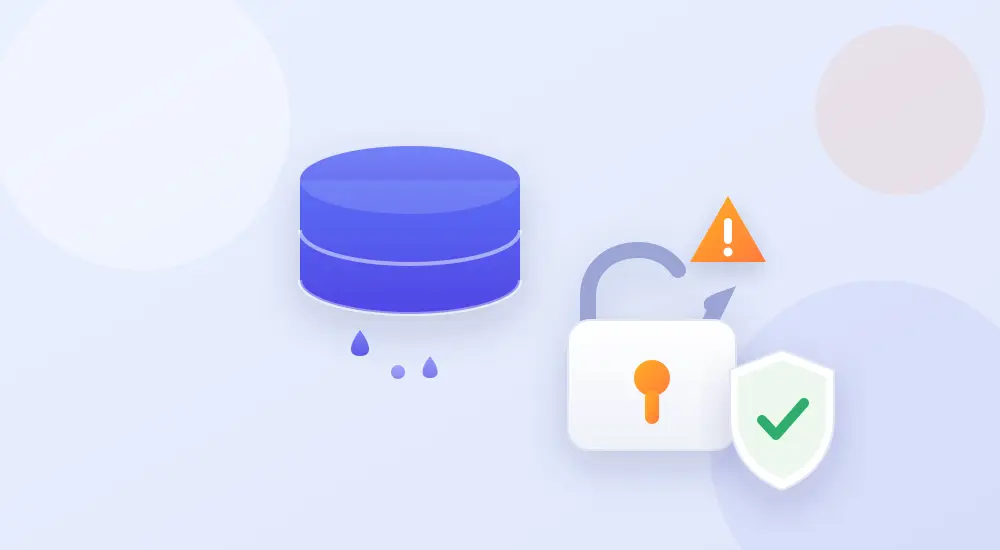
A data breach happens when a company’s systems are hacked and their user records leak out — often including email addresses and passwords. Those lists get traded and reused. Attackers then take a leaked email-and-password pair from one site and quietly try it on your email, your bank and your social accounts, hoping you reused the same password somewhere. This trick is called credential stuffing, and it’s automated — bots test millions of combinations without a human lifting a finger.
So the real question isn’t “am I interesting enough to be targeted?” You almost certainly aren’t targeted personally. The risk is that your details are sitting in a bulk list that software tries automatically. Checking takes minutes; recovering from a hijacked account can take weeks.
Leaked vs Hacked: an Important Distinction
Finding your email in a breach means your details were exposed — it does not automatically mean someone is inside your account. Exposure is a warning to act; a hack is active access. This guide is about checking for and preventing exposure. If you’re worried someone has actually broken into your inbox, read our companion guide on how to check if your email has been hacked, which covers detection and recovery.
| What to Check | Where | What It Tells You |
|---|---|---|
| Your email address | A reputable breach-checking site | Which known breaches your email appeared in |
| Your saved passwords | Browser or password manager | Which saved passwords are leaked, weak or reused |
| Account activity | Your account’s security settings | Unexpected logins, devices or locations |
Step-by-Step: Check and Secure Your Accounts
1. Look up your email on a trusted breach checker
Use a well-known service such as Have I Been Pwned. Enter only your email address — a legitimate checker never asks for your password. It will list the breaches your email was found in, so you know which accounts need attention first. Check each email address you use, including old ones.
2. Run your browser or password manager’s checkup
Chrome, Edge and Safari, and most password managers, include a built-in “password checkup” that flags saved logins known to be leaked, weak or reused. Open it and treat every red warning as a to-do item, starting with email and banking.
3. Change the exposed passwords first
For any account flagged as breached, change the password immediately. Make each new one long and unique — a short phrase of unrelated words works well and is easy to remember. Never reuse the same password across sites again.
4. Turn on two-factor authentication
Two-factor authentication (2FA) adds a second step — usually a code from an app or a passkey — so a stolen password alone isn’t enough to log in. Enable it on your email account first, because your email is the master key that can reset everything else.
5. Review recent account activity
Most major services show recent logins, active sessions and connected devices in their security settings. Sign out anything you don’t recognise, and remove old devices and third-party apps you no longer use.
6. Switch to a password manager
The honest reason people reuse passwords is that remembering dozens of unique ones is impossible. A password manager creates and stores strong, different passwords for every account, so a single breach can no longer unlock your whole digital life. Our guide on free password managers and their limitations helps you pick one.
Which Passwords to Fix First
If a checker turns up several breaches, don’t try to fix everything at once — prioritise by damage potential:
- Your email — it can reset every other account, so secure it first. See how to secure your Google account for a full walkthrough.
- Banking and payment accounts.
- Anything sharing that leaked password — every site where you reused it.
- Social media, which attackers use to scam your contacts.
What To Do If Your Email Shows Up in a Breach
Finding your email in a breach is common and not a reason to panic — it simply means one of the services you used was hacked at some point. Act in this order:
- Change that account’s password and any other account where you reused it.
- Enable 2FA on your email and important accounts.
- Watch for phishing — leaked lists are often used to send convincing scam emails next. Learn to spot AI-generated phishing emails so you don’t fall for the follow-up.
- Alert your bank if any financial account shares that password.
How Often Should You Check?
Breaches happen constantly, so this isn’t a one-time task. Check your main email addresses every few months, and immediately if a service you use announces a breach. Better still, many breach-checking services and password managers can notify you automatically when your email appears in a new leak — set that up once and you’ll catch exposure early instead of months later.
Common Mistakes People Make
- Entering a password into a “breach checker”: a real checker only needs your email, never your password.
- Changing one password but not the reused copies: fix every account that shared it.
- Ignoring old accounts: a forgotten account with a reused password is still a way in.
- Skipping 2FA: it’s the single biggest upgrade to your account security.
- Only checking once: new breaches keep happening, so make it a regular habit.
Frequently Asked Questions
Is it safe to enter my email on a breach-checking website?
Yes, if you use a reputable service. A trustworthy checker only needs your email address to search public breach records and never asks for your password. If a site asks for your password to “check” it, leave immediately.
My email was found in a breach — am I hacked?
Not necessarily. It means your email appeared in a company’s leaked data, not that someone is currently in your account. Changing the affected passwords and turning on two-factor authentication closes the risk. If you suspect active access, see our guide on checking if your email has been hacked.
How do I check if my email was in a data breach for free?
Use a reputable free service like Have I Been Pwned and enter only your email address. Your browser or password manager’s built-in password checkup also flags leaked saved logins at no cost.
What should I do first if my password was leaked?
Change that password and every account where you reused it, starting with your email, then enable two-factor authentication on your most important accounts.
Can I stop my email from being leaked in future breaches?
You can’t stop companies from being breached, but you can make a leak harmless: use unique passwords, a password manager and 2FA so one leaked password can’t unlock anything else.
How often should I check for breaches?
Every few months, and whenever a service you use announces a breach. Turning on automatic breach alerts means you’ll be notified as soon as your email appears in a new leak.
Final Thoughts
You can’t stop companies from being breached, but you can make a leak harmless. Check your email, fix any exposed passwords, stop reusing them, and switch on two-factor authentication. Spend fifteen minutes on this today and a future data breach becomes a notification you can shrug off rather than a problem you have to clean up. For an all-round routine, our password security tips pull these habits together.
Official resource: Have I Been Pwned.
About Global Insightly
Global Insightly publishes practical guides on AI tools, cybersecurity, software and technology. Explore more at GlobalInsightly.com.




Comments (0)