WhatsApp Scams: How to Spot and Avoid Them in 2026
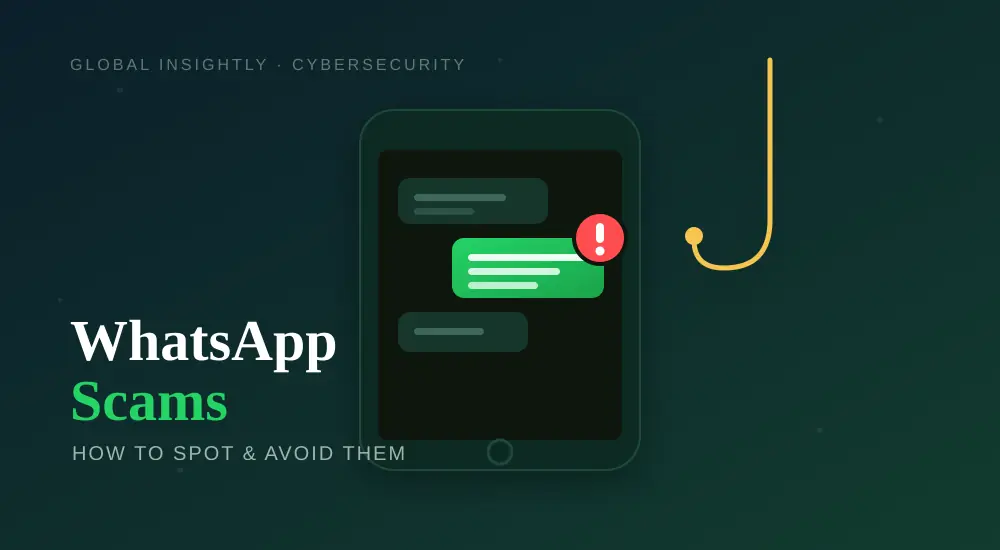
Why WhatsApp Scams Are Booming
Over two billion people use WhatsApp, and scammers follow the crowd. It’s cheap to send messages, easy to fake a friendly tone, and people tend to trust a chat more than an email. Add AI tools that write flawless messages in any language, and a scam today can look far more convincing than it did a couple of years ago. The target isn’t a system — it’s you, and the trick is always to rush you into acting before you think.
The Most Common WhatsApp Scams
Knowing the playbook makes these easy to catch:
- Fake job offers: “Work from home, earn ₹5,000/day” messages that ask for a registration fee or your bank details. Real employers don’t recruit by random WhatsApp.
- OTP / verification-code theft: Someone claims they “accidentally” sent a code to your number and asks you to forward it. That code is your account’s login — never share it.
- Family-emergency impersonation: “Hi Mum, this is my new number, I need money urgently.” A scammer poses as a relative in trouble to rush a transfer.
- Lottery / prize scams: “You’ve won!” — but you must pay a “processing fee” first. You can’t win a lottery you never entered.
- Investment & crypto scams: Strangers (often in groups) promise guaranteed high returns, show fake profit screenshots, then vanish with your money.
- Fake customer care: Messages pretending to be your bank, a delivery company or even WhatsApp itself, asking you to “verify” details or click a link.
- QR-code & payment traps: You’re asked to scan a QR code to “receive” money — but scanning actually sends money from your account.
Many of these start with a link. If you’re unsure whether a link or page is genuine, our guide on how to identify fake websites and apps shows you what to check before you tap.
Red Flags in Almost Every Scam
Whatever the story, the warning signs are the same:
- Urgency: “Act now”, “last chance”, “account will be blocked”. Pressure is the scammer’s main weapon.
- A request for money, OTPs or personal details.
- An offer too good to be true — easy money, big prizes, guaranteed returns.
- A new or unknown number claiming to be someone you know.
- Bad links or slightly misspelled web addresses.
These are the same instincts that spot a phishing email — see how to spot AI-generated phishing emails, because scammers now use the same AI tricks on WhatsApp.
How to Protect Your WhatsApp Account
A few settings make you a much harder target:
- Turn on two-step verification. Open WhatsApp → Settings → Account → Two-step verification → Enable, and set a PIN. This stops anyone from registering your number on another phone even if they steal an SMS code.
- Never share an OTP or your two-step PIN — not with “friends”, not with “support”, not with anyone. No legitimate service needs it.
- Lock down your privacy. In Settings → Privacy, limit who can see your profile photo, “last seen” and status, and control who can add you to groups.
- Verify before you trust. If a “relative” messages from a new number asking for money, call them on their old number first.
- Don’t tap unknown links or scan QR codes sent by strangers. To receive money you never need to scan anything.
What to Do If You’ve Been Scammed
Act fast — the first hour matters most:
- Contact your bank immediately if you sent money or shared card/UPI details, and ask them to block or reverse the transaction.
- Report and block the scammer inside WhatsApp (open the chat → tap the name → Report / Block).
- If your account was taken over, re-register WhatsApp with your number and enter the SMS code — this logs the attacker out. Then re-enable two-step verification.
- Report cybercrime to your national portal (in India, cybercrime.gov.in or the 1930 helpline).
- Warn your contacts so no one else falls for a message sent in your name.
If you reused the same password anywhere the scammer may have seen, change it, and check whether your details have leaked using our guide on how to check if your email was in a data breach.
Final Thoughts
WhatsApp scams work by rushing you past your common sense. Slow down, treat urgency as a red flag, never share a code, and verify anything involving money through a second channel. Turn on two-step verification today, and most of these scams simply bounce off. Staying safe online is less about being technical and more about pausing for ten seconds before you tap — and for more account-protection steps, our guide on securing your Google account is a great next read.
Frequently Asked Questions
Can someone hack my WhatsApp with just my number?
Not on its own. Takeovers usually need you to share an SMS verification code or two-step PIN. Never share these, and turn on two-step verification to stay protected even if a code leaks.
Should I ever share an OTP on WhatsApp?
No. An OTP is a one-time login code for your account. Anyone asking you to forward a code — including “friends” or “support” — is trying to hijack your account.
How do I know if a WhatsApp message is a scam?
Look for urgency, requests for money or codes, offers that seem too good to be true, unknown numbers claiming to be someone you know, and suspicious links. Any one of these is a warning sign.
What should I do if a “relative” asks for money from a new number?
Don’t send anything. Call them on their known number to confirm it’s really them — impersonating a family member in an “emergency” is one of the most common scams.
Is it safe to scan a QR code sent on WhatsApp?
Be very careful. To receive money you never need to scan a code — scanning usually sends money from your account. Only scan codes you fully trust.
How do I report a WhatsApp scam?
Open the chat, tap the contact’s name and choose Report and Block. If you lost money, contact your bank immediately and report to your national cybercrime portal.
About Global Insightly
Global Insightly publishes practical guides on AI tools, cybersecurity, software and technology. Explore more at GlobalInsightly.com.
Official resource: WhatsApp Help Center.





Comments (0)